 Day App
For iPhone and Android · coming to the App Store and Google Play
Get Day App
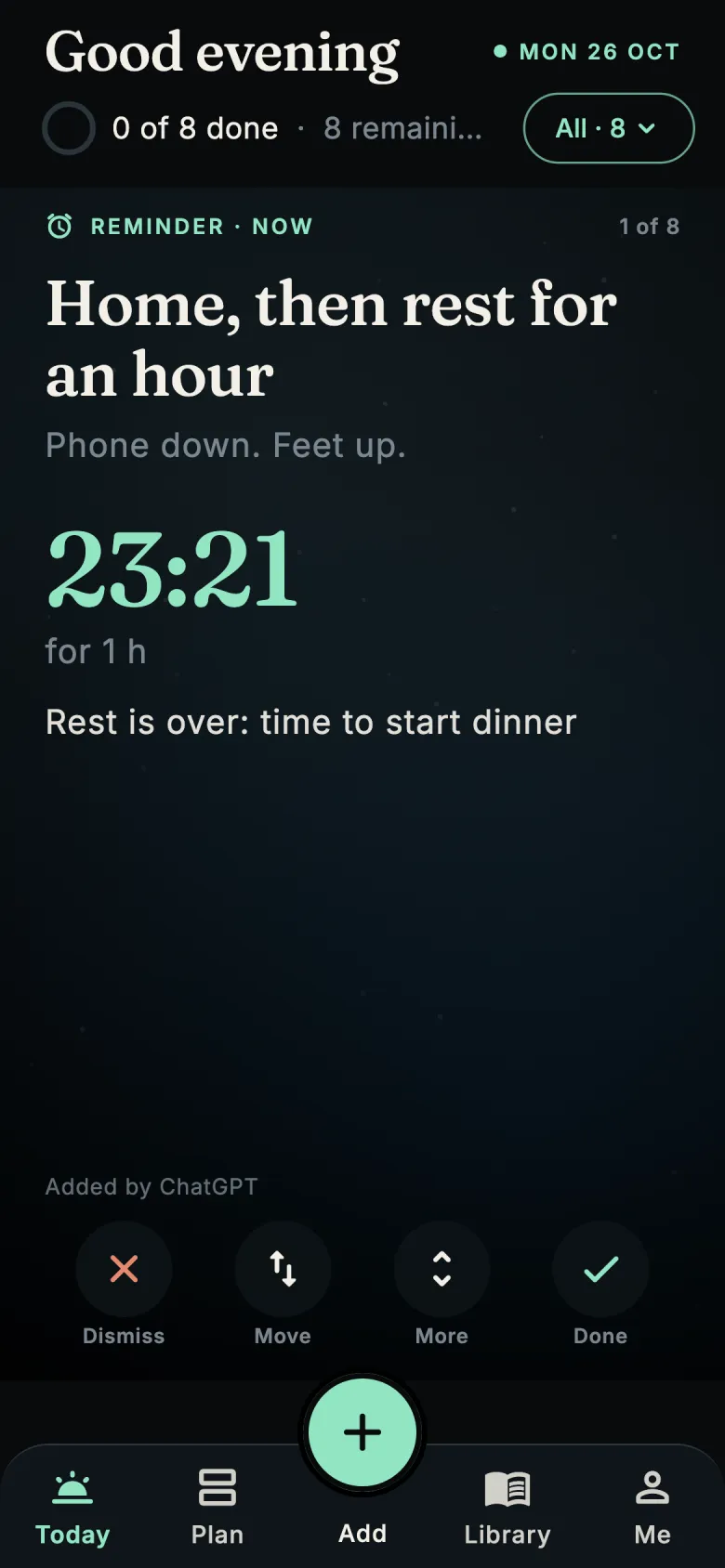
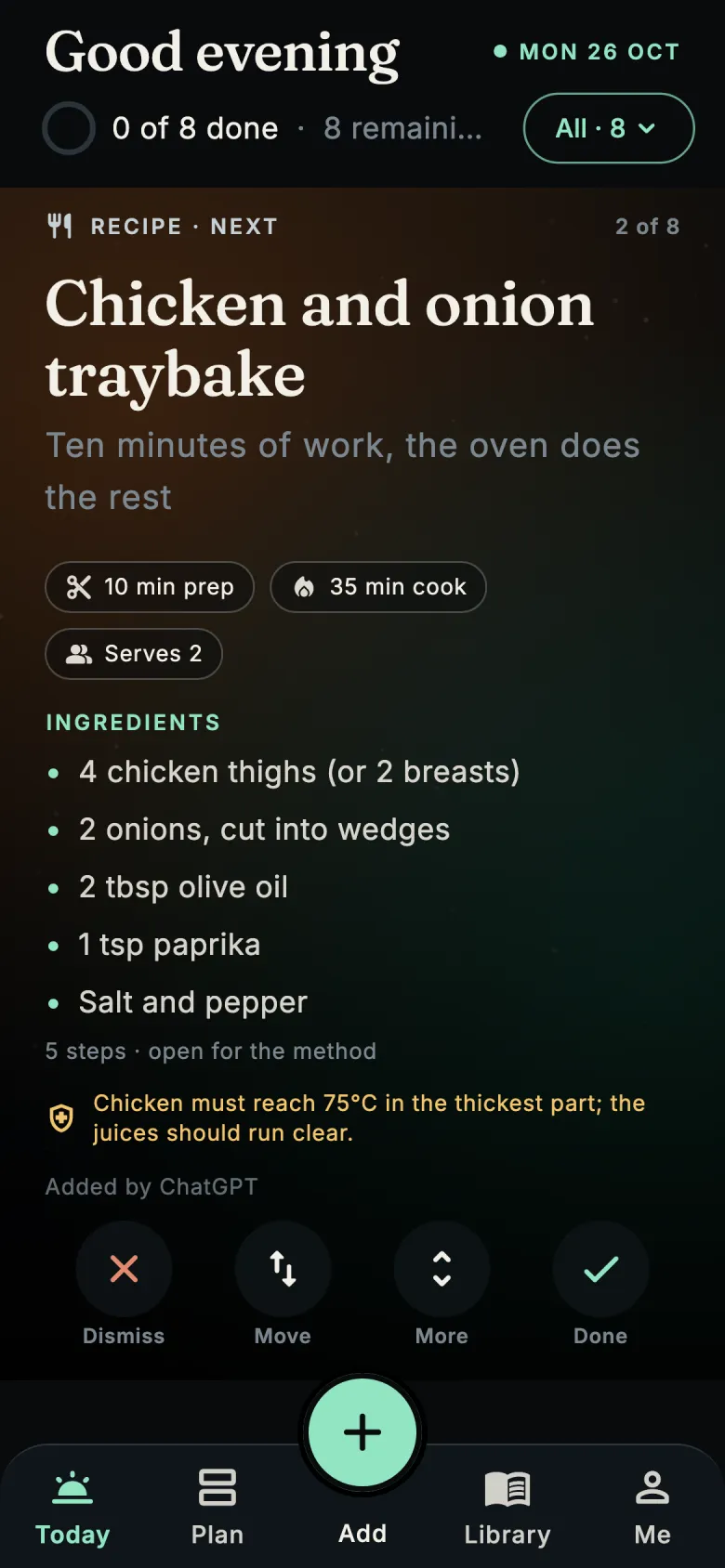
Your day, planned with the AI you already talk to. Tell Claude or ChatGPT what you need to do, cook, buy or remember, and it lands on your phone as cards for today, in time order.
iPhoneApp Store: in review, coming in a few daysAndroidGoogle Play: in review, coming in a few days
Day App is in review at both stores and should be out in a few days. Bookmark this page: the buttons go live here first. Want it sooner? Ask to join the test and tell us which phone you use.
Set up in three steps
Ready in a couple of minutes
- Install and sign inDownload Day App and sign in with Apple, Google or email.
- Connect your assistantIn the app, tap Connect your AI. It walks you through adding Day App to Claude or ChatGPT.
- Talk about your day"Remind me to call the bank at 2, find a quick dinner and add what I need to the shopping." It appears on Today.