Day App

Plan and reminders

Plan ahead, and get reminded only when you ask

Today is the default, but any day can be planned. Ask your assistant to plan Saturday, or plan it yourself under Plan.

A week at a glance

Plan shows the days ahead. Pick one to see its cards in Now, Next and Later, and move them around. Upcoming lists every reminder that will still go off, even after its card has left the board. Tap one to open it.
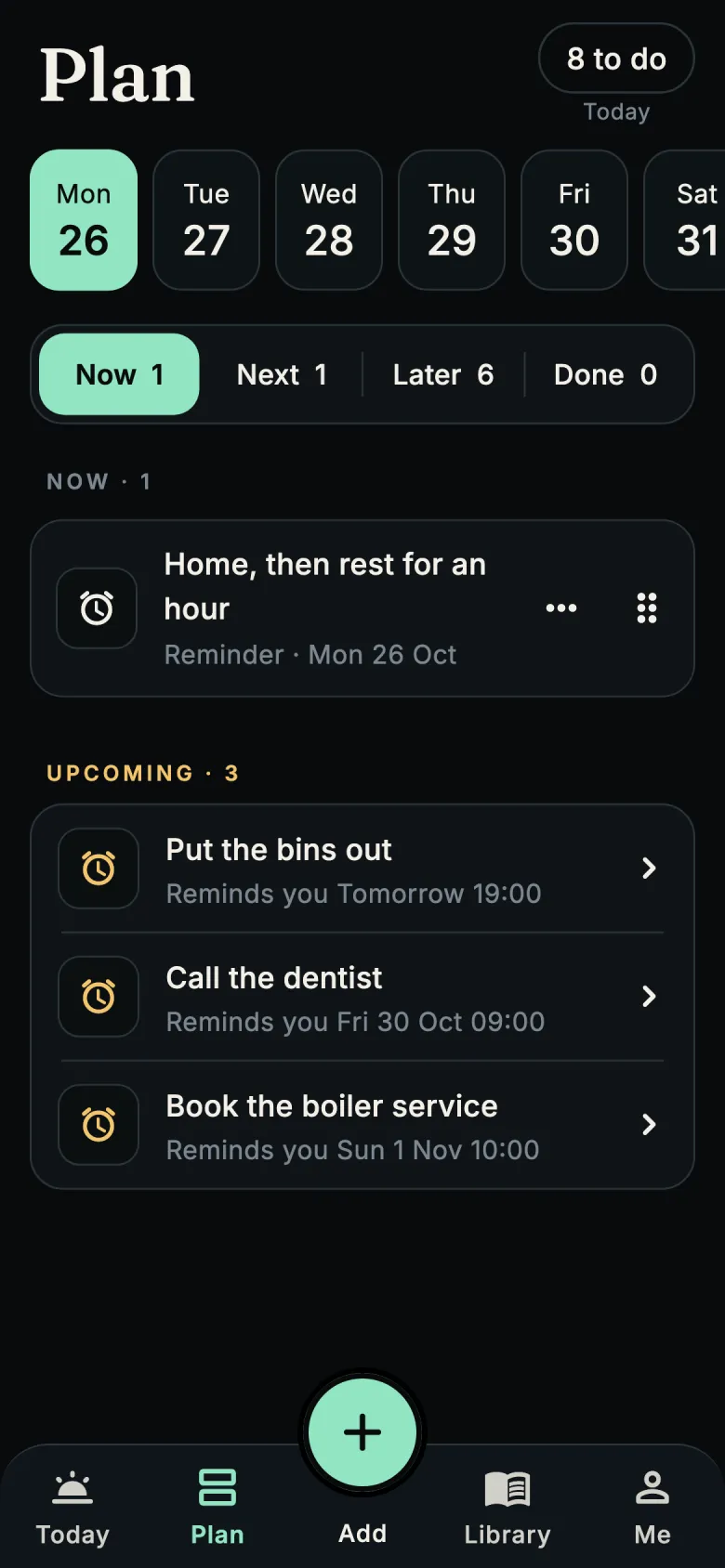
The Plan screen with the week's days and three upcoming reminders

Reminders, on your terms

  • A reminder goes off only at a time you or your assistant set. Day App never sends a "come back" nudge.
  • Snooze, reschedule or mark it done from the notification or the card.
  • Quiet hours keep the night quiet, and you choose how early "coming up" starts.
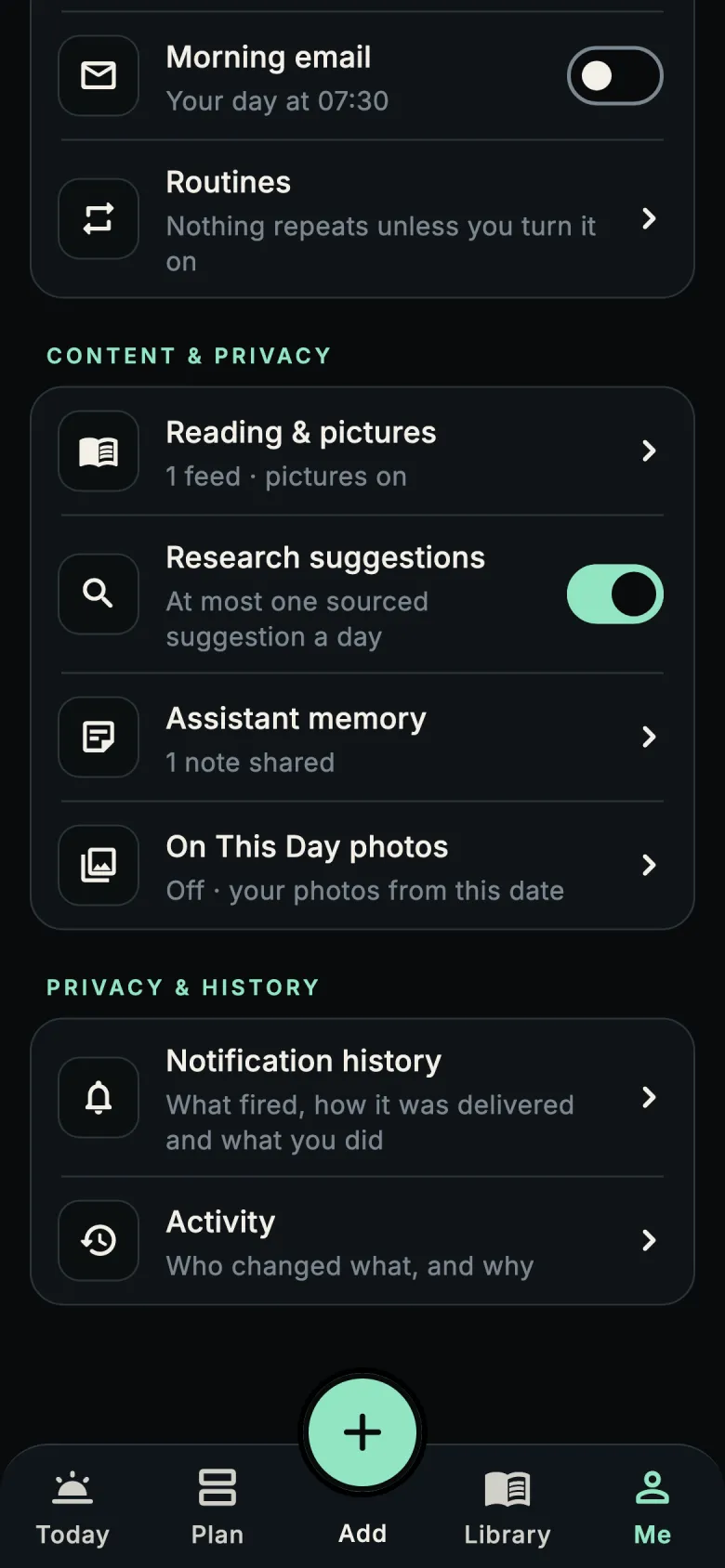
  • An assistant can suggest a repeat or a routine. It stays off until you turn it on in the app.
Settings for morning email, routines, reading and privacy

Your day outside the app

Morning email, if you want itOff by default. Turn it on and you get the day's plan at the time you choose: card titles and times, nothing else. Every email has a one-tap unsubscribe link.
Home-screen widgetToday's next items on your home screen. The widget keeps a small copy of titles and times on your phone, and it never leaves the phone.
Morning planning and close-outOptional prompts at the times you choose: one to plan the day, one to close it out.
Add to your calendar"Add to calendar" hands an event to your phone's calendar app. Day App never reads your calendar.

Day App is in private testing on iPhone and Android

Want to try it before it reaches the App Store and Google Play? Email us and tell us which phone you use.

Ask to join the test