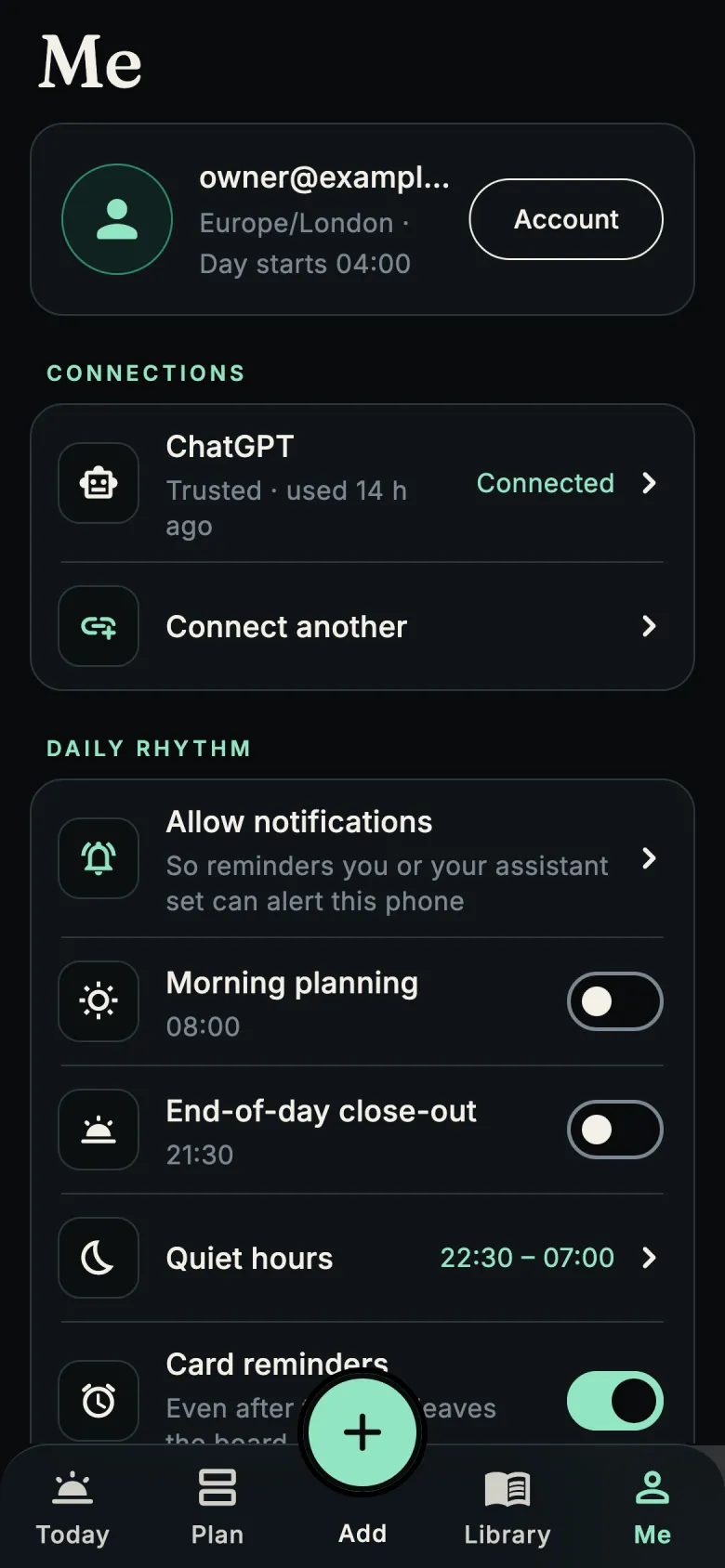
Your assistant writes the day. You stay in charge.
Day App connects to AI assistants through the Model Context Protocol (MCP), the open standard Claude
and ChatGPT use for connectors. One address works for all of them.
Connect in a minute
Add the connectorIn Claude or ChatGPT, add a custom connector with the address
https://api.dayapp.co.uk/mcp.
Sign inYou're sent to dayapp.co.uk to sign in with the same account as the app (Google or an email
link). Press Allow.
TalkAsk it to plan your evening, remind you about something or start a shopping list. The cards
appear on your phone.
What an assistant can do
Read your dayToday's board and the days you've planned, plus the notes you chose to
share with assistants (for example "no mushrooms").
Add and update cardsEvery card is checked before it's saved. Each one gets a stable
reference, so a retry updates the card instead of duplicating it.
Plan other daysPut cards on any future date, or follow up on a card on another day.
Find productsSearch real eBay listings and save the good ones as a product card.
Search what you savedFind a note or recipe from earlier, if you allow history
access for that connection.
Manage remindersList upcoming reminders, snooze or cancel one, and suggest a repeat
for you to approve.
What an assistant can't do
Turn on anything that repeats. Routines and repeats are only proposals until you turn them on in the app.
Send you notifications to bring you back. It can only set reminders for times you asked about.
Put HTML, scripts or downloaded code in a card. Cards are plain data that the app draws itself.
Present live information without a source. Scores, fixtures and recommendations must say where they came
from and when.
See anyone else's data. Every request is tied to your account.
Change your reading feeds, or leave feedback on your behalf.
Every change is recorded: open any card and tap More to see who added it, when and why, or see
everything under Me → Activity. For an assistant that should check with you first, set its connection to
"Always ask me first" and every change waits for your approval.
Day App is in private testing on iPhone and Android
Want to try it before it reaches the App Store and Google Play? Email us and tell us which phone you use.
 Day App